

Send Bill Payments To:
Central Ohio Primary Care
PO BOX 713659
Cincinnati, Ohio 45271-3659
Tips for Paying Your Bill With MyChart
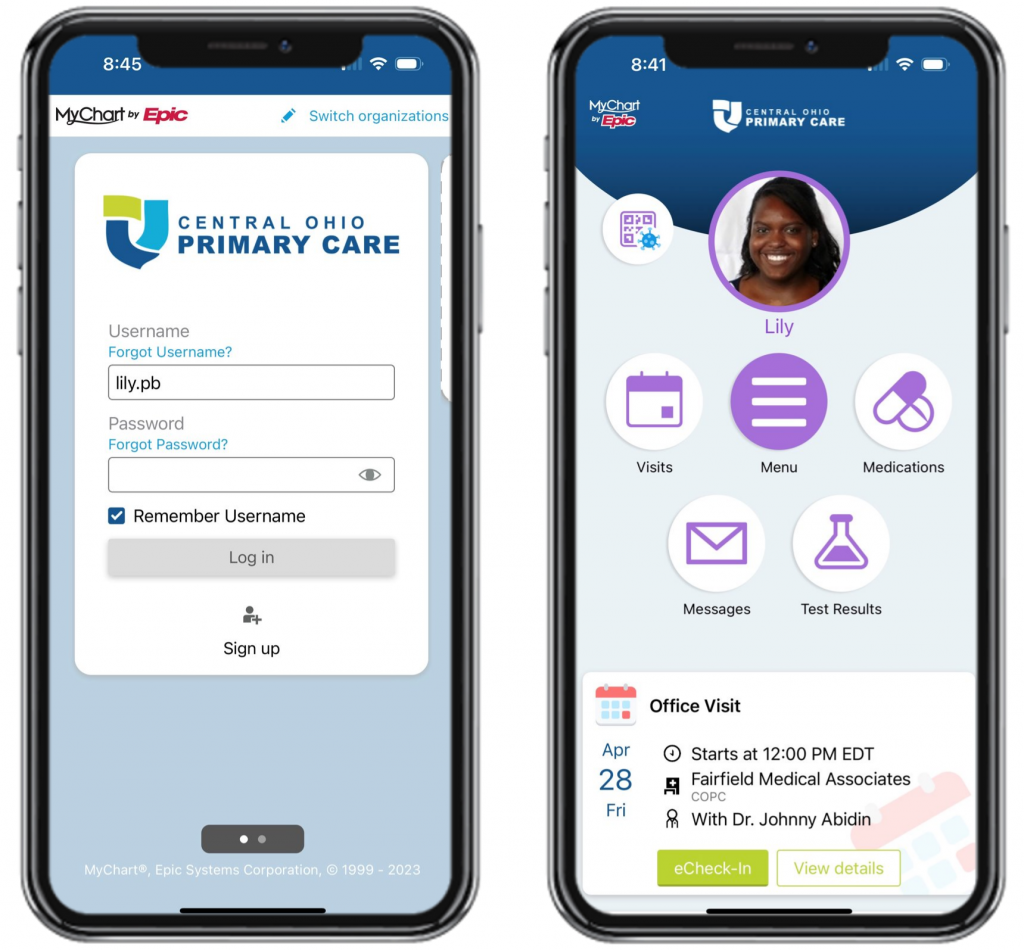
To log onto your MyChart account, first download and open the MyChart Application on your Android device. (see the section Download MyChart App)
Enter the MyChart Username and Password provided by the clinic; click Submit
If an account has not been set up and you have an activation code to use: Click Sign Up Now and enter the required information
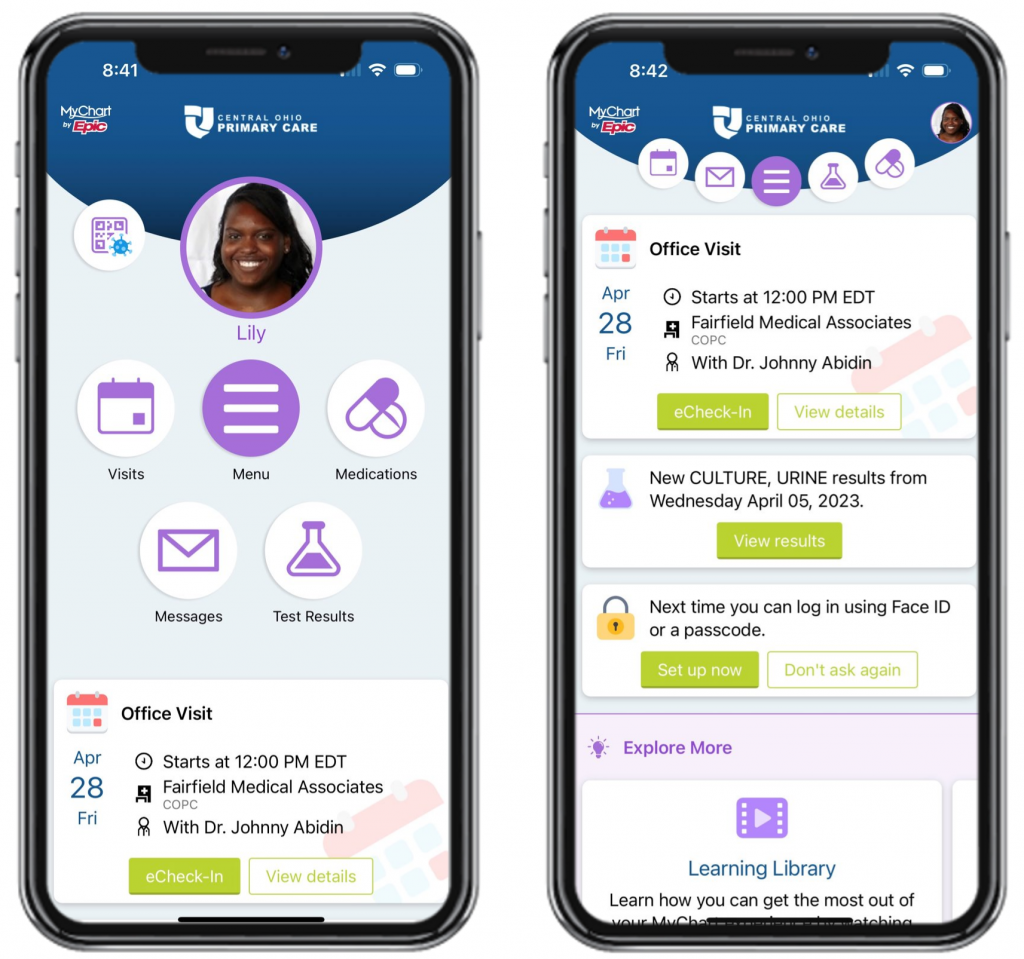
eCheck-in can be done up to 3 days prior, but no later than 10 minutes before your appointment. You will be prompted to review the forms necessary to update, prior to your visit.
Select the eCheck-In option.
If this is not an available option, verify it is less than 3 days prior, and more than 10 minutes prior your appointment.
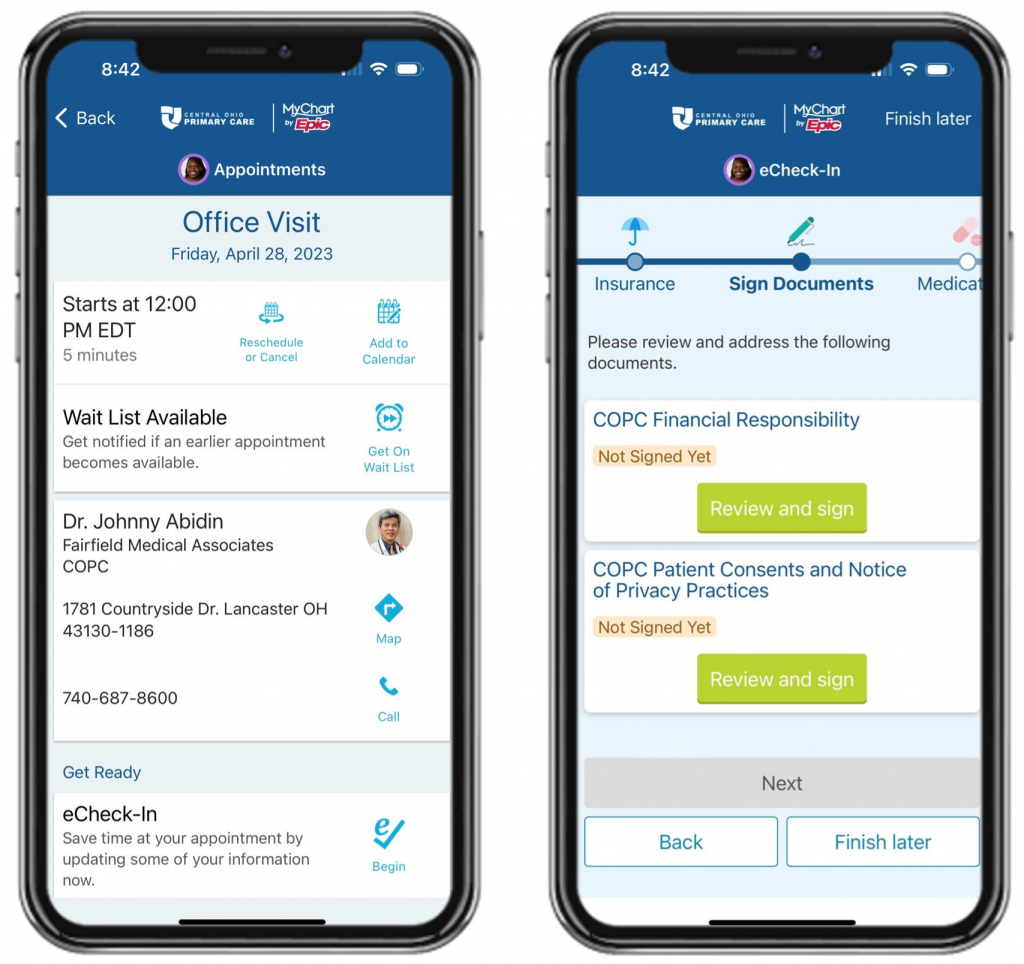
-
- Verify your personal information.
- Verify your insurance coverage and choose whether you wish to bill your insurance for the visit. You may also update your coverage and upload insurance card photos.
- Verify your prescription medications on file. You may add a medication by clicking the “Add a Medication” button. You may select or add a preferred pharmacy.
- Review allergies. You can add an allergy by clicking the + button.
- Review your health issues. You can remove and add health issues by clicking the respective button.
- Review and eSign the documents.
- eCheck-In complete. When you arrive for your appointment, please stop by the front desk to let them know you are there.
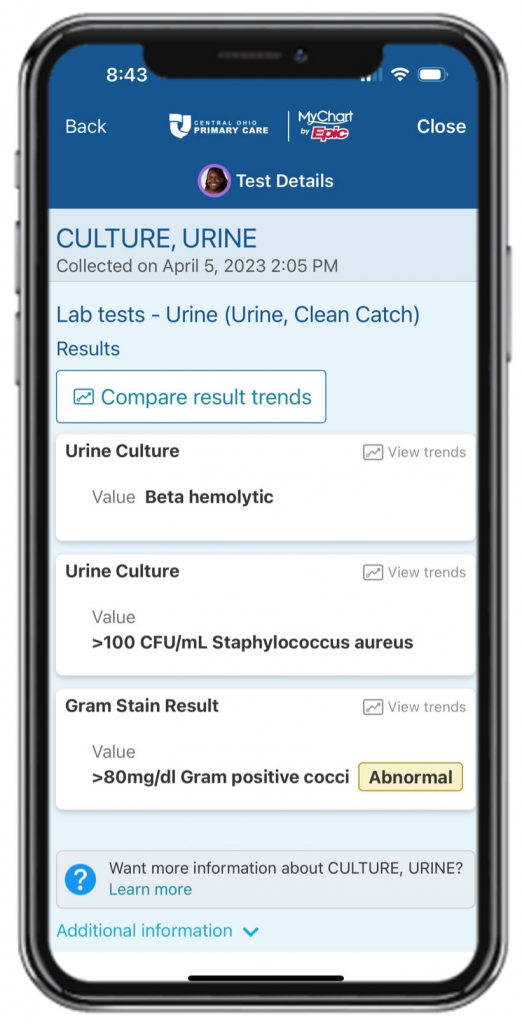
eCheck-in can be done up to 3 days prior, but no later than 10 minutes before your appointment. You will be prompted to review the forms necessary to update, prior to your visit.
Select the eCheck-In option.
If this is not an available option, verify it is less than 3 days prior, and more than 10 minutes prior your appointment.
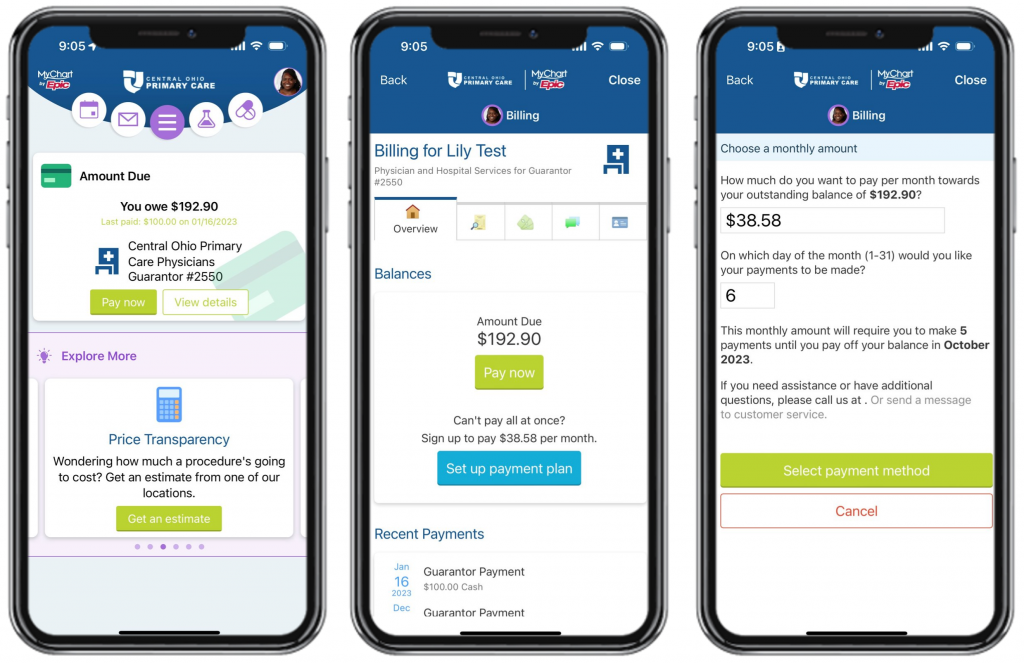
click on the Billing tab at the top of the screen to get started. Credit card payments can be made directly and securely through MyChart to any of your hospital or physician office accounts that you have with Premier Health. You can also link from here to another secure site that will allow you to make an online payment using a checking account.